
Picture this: It’s Tuesday morning. Your main server dies. The office goes quiet. No files, no email, phones are dead.
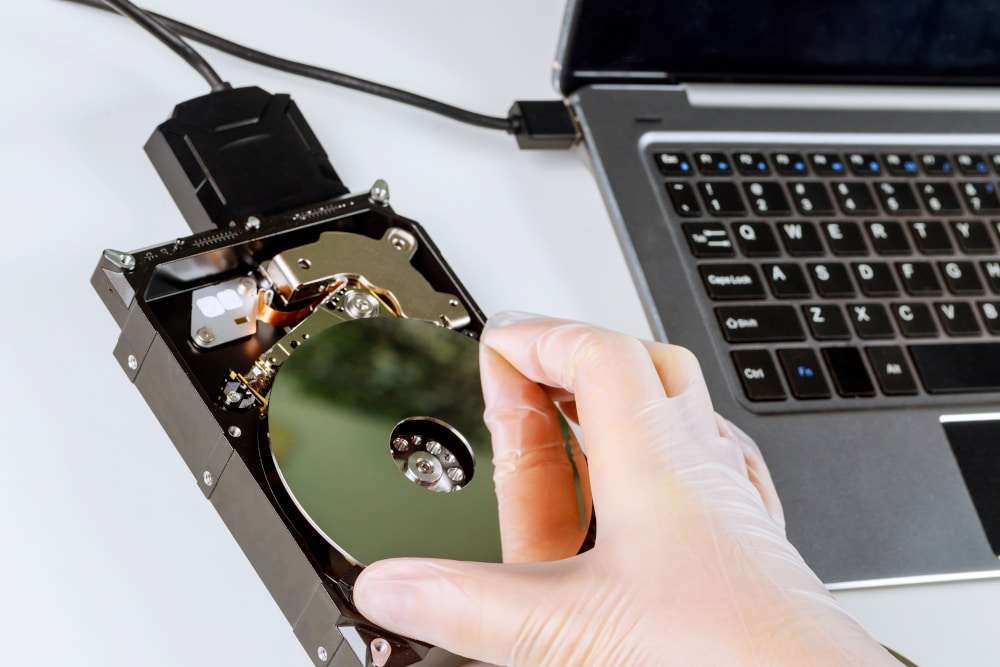
You’re not panicking, though. You point to the external USB drive plugged into the back of the server. “We’ve got a backup,” you tell the team.
We had a call from a local business owner in exactly this position recently. Another IT firm had set up their backups years ago. When we arrived to help recover the data, we checked the drive.
The last successful backup was over 365 days ago.
For a whole year, that little drive had been sitting there doing absolutely nothing. Nobody checked. Nobody tested it. In a moment, they’d lost a year’s worth of invoices, client data, and work.
This happens to small businesses across South Wales every week. And it doesn’t have to.
Here are the five mistakes we see constantly, and what you can do about them.
1. The “set it and forget it” trap
The most common mistake is assuming a backup works because someone set it up once. Software updates break connections. Hard drives fail silently. Permissions get messed up after Windows updates.
Without a daily “Success” email that someone actually reads, your backup is just a hope. Hope doesn’t restore lost files.
2. Ignoring Linux systems
Most IT support companies around here live in a Microsoft world. They know Windows Server inside and out. But if your business runs anything on Linux (web hosting, development environments, databases), standard Windows backup tools often miss things. Linux file systems have quirks that generic backup software doesn’t handle well.
Linux servers need a different recovery approach than Windows machines. If your current IT support treats Linux like an afterthought, or doesn’t mention it at all, that’s a gap in your safety net.
3. Keeping all your eggs in one building
That USB drive plugged into the server? Better than nothing, but there’s an obvious problem: it’s in the same building as everything else.
Fire, flood, or break-in, and your backup goes down with your server. Modern ransomware is designed to hunt for attached backup drives and encrypt them too. A proper backup lives somewhere separate from your main network.
4. Confusing “file backup” with “business continuity”
Saving your files and getting back to work are two different things.
Say you’ve got 500GB of data backed up in the cloud. Great. But if your server motherboard fries tomorrow, what are you actually going to put that data on? How long to download 500GB? How long to reinstall the operating system, set up user accounts, get all your software working again?
For many businesses, that “restore time” ends up being 3-5 days. Can you afford to be offline for a week? A real disaster recovery plan focuses on how quickly you can be operational. Hours, not days.
5. Never testing the restore
A backup is just a theory until you’ve actually restored from it.
We run quarterly “fire drills” for our clients where we simulate a crash and try to bring systems back online using only the backups. Almost every time, we find some small snag. A missing license key, a corrupted file, a download that takes longer than expected.
Finding that snag during a planned drill is annoying. Finding it during a real emergency, with your team standing around waiting, is something else.
Is your safety net actually there?
The business owner I mentioned at the start? We helped them recover, but it was long and expensive. Weeks of lost productivity and a lot of stress that didn’t need to happen.
Don’t wait for your server to die to find out whether your backups actually work.
We’re offering a free disaster recovery audit to Swansea small business owners.
We’ll check your backup logs, verify your off-site setup, and give you a “Pass/Fail” report. No sales pitch, just an honest look at where you stand.